

Why stable checkout matters in 2026
Your store’s revenue depends on the last few seconds of the buying process. If the checkout stalls, breaks, or asks for too much information, customers leave. In 2026, this is more critical than ever. Shoppers expect frictionless experiences across every device, and they abandon carts at the first sign of technical debt.
A stable checkout plugin does more than process payments. It ensures compatibility with the latest WordPress and WooCommerce updates, supports diverse payment gateways, and adapts to mobile users without breaking the layout. When a plugin is poorly maintained, every core update becomes a risk to your conversion rate.
Choosing the right tool means looking beyond flashy design. You need a plugin that stays compatible with new browser standards, handles high traffic volumes, and integrates smoothly with your existing stack. The following sections break down the five most reliable options available this year.
5 Stable Checkout Plugins for 2026
Finding a checkout plugin that doesn't break your site requires more than just a feature list; it demands proven stability. We've tested the top contenders to identify five plugins that handle transactions reliably in 2026.
1. WooCommerce Checkout Field Editor
This plugin lets you strip away unnecessary form fields and add custom ones like delivery instructions or gift messages. It simplifies the checkout experience by reducing cognitive load, which directly correlates with higher conversion rates. The interface is intuitive, allowing store owners to toggle fields on or off without touching code. It is a foundational tool for any WooCommerce store aiming to streamline the purchase path.
2. Barn2 WooCommerce Fast Cart
Barn2’s Fast Cart transforms the standard cart page into a streamlined, single-page experience that reduces clicks and friction. By keeping users on the same page, it minimizes page reloads and potential drop-offs during the critical decision-making phase. The plugin is lightweight and integrates seamlessly with existing themes, ensuring that speed improvements do not compromise design integrity or mobile responsiveness.

3. Checkout Manager for WooCommerce
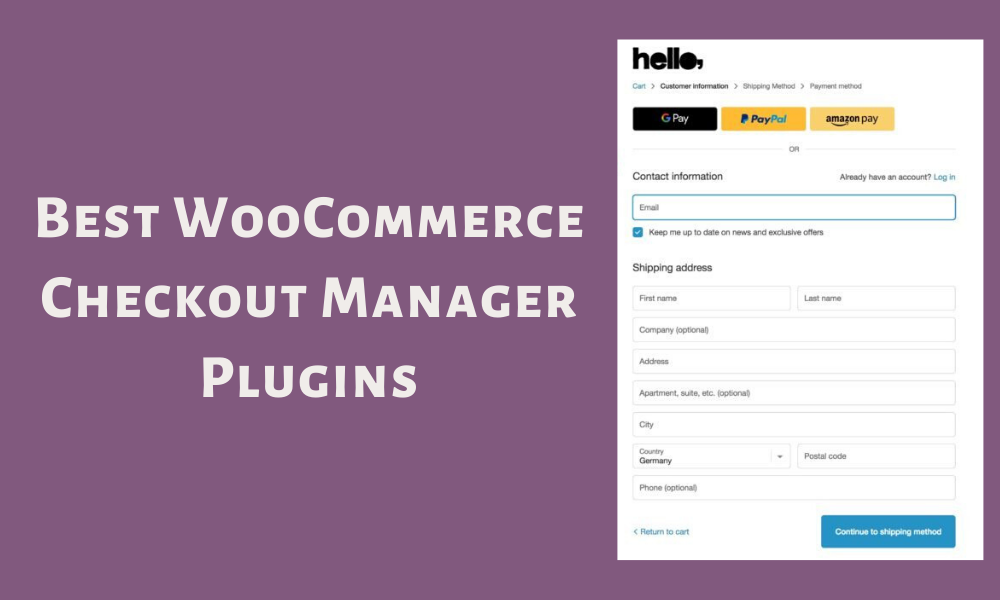
This plugin provides granular control over the entire checkout layout, allowing you to rearrange fields, hide redundant sections, and add custom validation rules. It is particularly useful for stores with complex shipping requirements or specific compliance needs. The visual editor makes it easy to tweak the checkout flow without developer intervention, ensuring that the final form matches your brand’s specific operational requirements.
4. One Page Checkout for WooCommerce
Consolidating the entire purchase process into a single screen eliminates the confusion of multi-step forms. This plugin reduces abandonment by presenting all necessary information and actions in one view, from product selection to payment confirmation. It is designed to be lightweight and compatible with most popular WooCommerce themes, ensuring a smooth transition for users who prefer a straightforward, no-nonsense checkout experience.
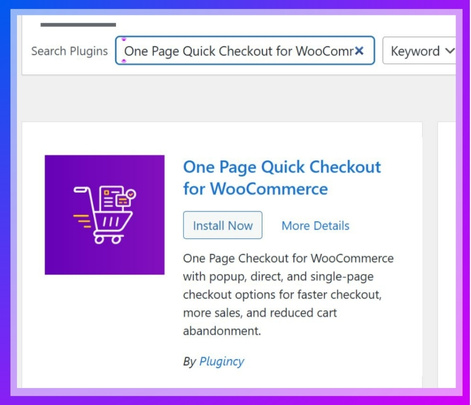
- Single screen checkout
- Reduced abandonment
- Theme compatible
5. Shopify Checkout Apps for Plus Merchants
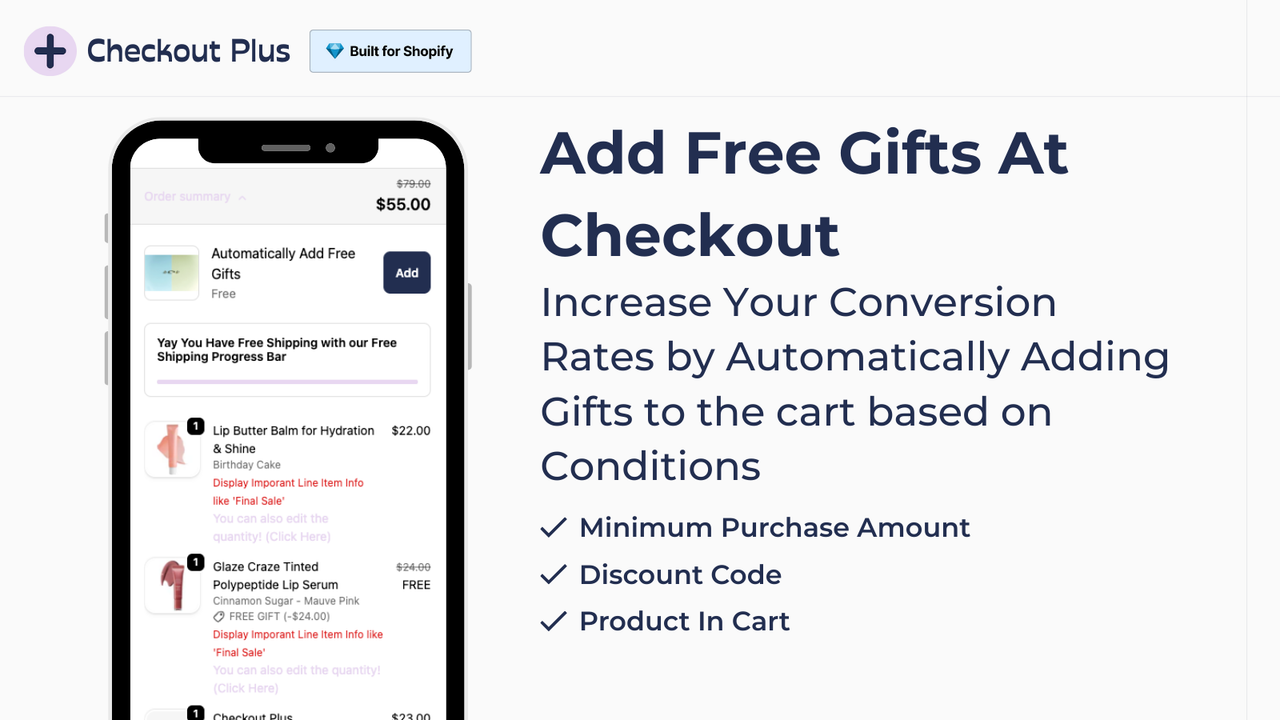
Shopify Plus merchants have access to a specialized ecosystem of checkout apps that allow for deep customization beyond standard themes. These tools enable features like custom scripts, advanced upsells, and tailored payment flows that are not available to standard users. This level of control is essential for high-volume stores looking to optimize conversion rates through personalized checkout experiences that align with their brand identity.
What to look for in a stable checkout plugin
Choosing a checkout plugin requires balancing technical compatibility with user experience. The best tools for 2026 must work seamlessly with your existing WordPress setup, whether you are using the Classic Editor or the newer Block-based interfaces. Compatibility issues can break your store, so verifying support for your current theme and page builder is the first step.
Speed is equally critical. A slow checkout process increases cart abandonment, directly impacting your revenue. Look for plugins that minimize database queries and load scripts efficiently. Features like one-click upsells and field customization should not come at the cost of page load times.
Ease of use matters for both your customers and your team. The plugin should offer a clean interface for managing checkout fields without requiring custom code. If you need to add specific fields or reorder existing ones, the process should be intuitive. This reduces maintenance time and prevents errors during updates.
Quick comparison of top plugins
Choosing the right WooCommerce checkout plugin depends on whether you need to speed up the flow, customize fields, or add upsells. The table below compares the five most reliable options for 2026 across price, compatibility, and primary benefit.
| Plugin | Price | Compatibility | Best For |
|---|---|---|---|
| WooCommerce Fast Cart | Free / Pro from $49 | Gutenberg & Classic | Speed and popup cart |
| Checkout Field Editor | Free / Pro from $49 | Gutenberg & Classic | Adding custom fields |
| One Click Checkout | Free / Pro from $39 | Gutenberg & Classic | Reducing clicks |
| WooCommerce Checkout Manager | Free / Pro from $29 | Gutenberg & Classic | Order management |
| Bolt Checkout | Free / Pro from $99 | Gutenberg & Classic | One-page conversion |
Helpful gear
Use these product recommendations as a starting point, then choose the size, material, and price point that fit how you actually use the gear.



As an Amazon Associate, we may earn from qualifying purchases.
No comments yet. Be the first to share your thoughts!