
Why stablecoins stabilize checkout
The core problem with traditional cryptocurrency payments is volatility. When a customer pays with Bitcoin or Ethereum, the value of that coin can shift significantly between the moment they click "Pay" and the moment the merchant receives the funds. This creates a gap where the merchant might lose money on the exchange rate, or the customer might find their payment has underpaid the invoice. Stablecoin checkout plugins solve this by pegging the transaction value to a fiat currency, usually the US dollar.
Stablecoins like USDC or USDT are designed to maintain a consistent value. When a stable checkout plugin processes a payment, it locks in the dollar amount at the start of the transaction. This means the merchant receives the exact expected amount, minus network fees, regardless of how the broader crypto market is moving. This stability allows you to price products in dollars while accepting crypto, bridging the gap between legacy e-commerce expectations and modern blockchain technology.
For a WordPress store, this mechanism works through the plugin's integration layer. The plugin converts the customer's crypto payment into a stablecoin transfer on the blockchain. Because the asset itself doesn't fluctuate in value relative to the dollar, the transaction is predictable. This predictability is what makes "stable checkout plugins 2026" a critical tool for reducing cart abandonment; customers are less likely to abandon a cart if they know the price is fixed and the payment process is straightforward, without the anxiety of watching a volatile ticker.
The technical setup involves connecting your WooCommerce or Shopify store to a stablecoin payment gateway. The plugin handles the conversion logic, ensuring that the merchant wallet receives the stable asset. This removes the need for manual currency conversion or third-party exchange services that might delay settlement. The result is a checkout flow that feels familiar to the user but leverages the speed and low cost of blockchain networks.
Install and configure the plugin
Choosing stable checkout plugins 2026 requires balancing feature density with server performance. The installation process on WordPress is straightforward, but the configuration phase is where cart abandonment is typically addressed. You must ensure the plugin communicates correctly with your payment gateways and respects your existing theme styles.
1. Install the plugin
Navigate to Plugins > Add New in your WordPress dashboard. Search for your chosen checkout plugin. Click Install Now followed by Activate. If you purchased a premium version, upload the .zip file via the Upload Plugin button instead.

Go to Plugins > Add New > Upload Plugin. Select the .zip file you downloaded from the vendor. Click Install Now, then Activate. This method ensures you have the latest version with all security patches.
Once activated, check the Plugins page for a green "Active" label. If you see a red error message, note the missing dependency (often a specific PHP extension or WooCommerce version) and resolve it before proceeding.
Most stable checkout plugins 2026 include a built-in diagnostics tool. Locate this in the plugin settings menu. Run the check to ensure no conflicts exist with your current theme or other active plugins. Fix any reported warnings before moving to configuration.
2. Configure basic settings
After installation, access the plugin settings. This is usually found under WooCommerce > Settings > Checkout or in a dedicated menu item. You will need to map your payment gateways (Stripe, PayPal, etc.) to the new checkout flow.
3. Test the checkout flow
Never skip testing. Use the payment gateway's sandbox mode to simulate a purchase. Verify that order confirmation emails are sent and that inventory levels update correctly. Check the checkout page on mobile devices to ensure the layout remains responsive.
Compare top stable checkout options
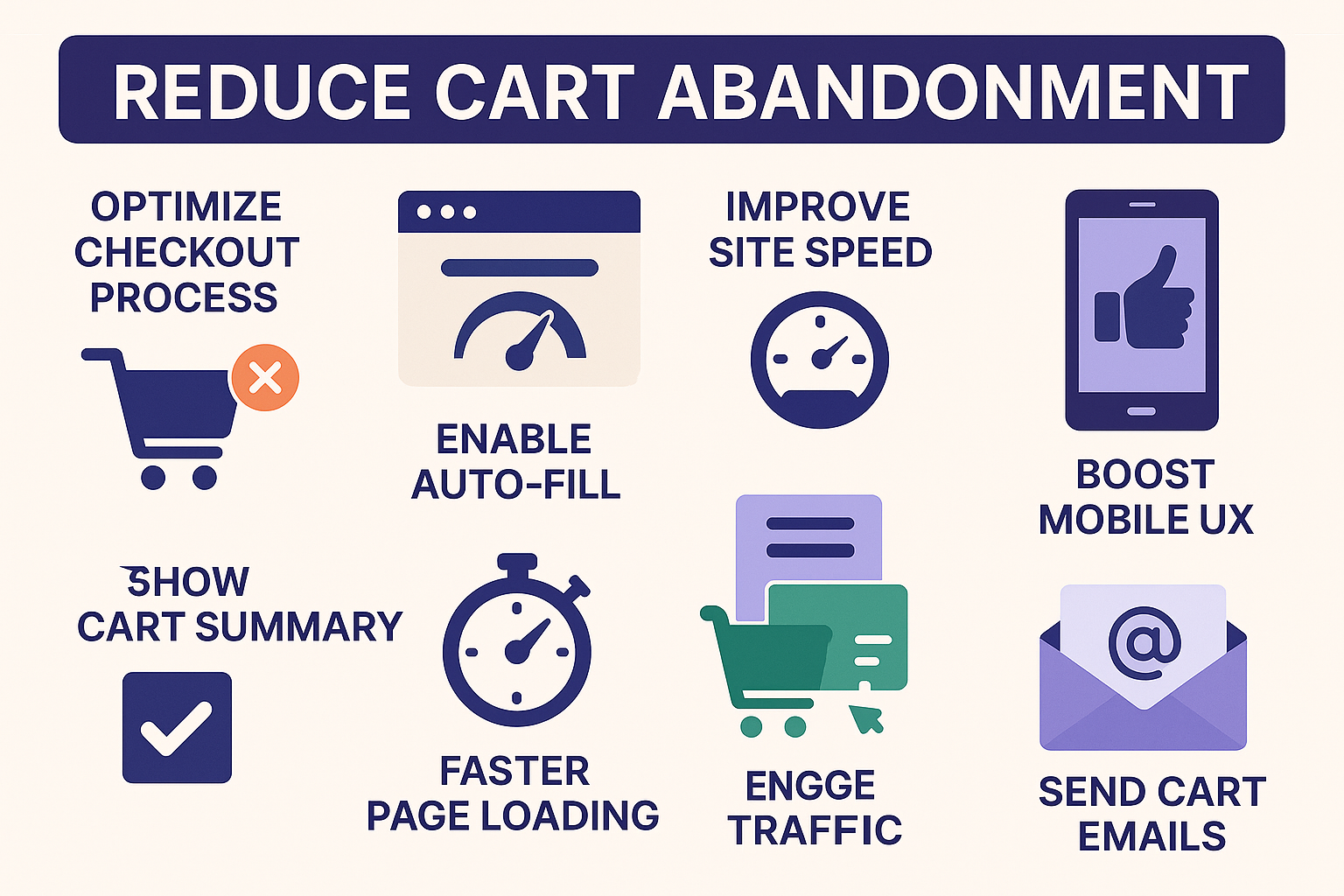
Choosing a checkout plugin requires balancing stability with feature density. The goal is to reduce cart abandonment without bloating your WordPress installation. A common rule of thumb is to keep your total plugin count under 50, prioritizing quality and security over quantity. An outdated plugin is a liability; if a checkout tool hasn't received updates in six months, it likely lacks compatibility with the latest WooCommerce or PHP versions.
The table below compares the most reliable stable checkout plugins for 2026 based on transaction fees, blockchain support, and setup complexity. Use this to identify which tool aligns with your technical requirements.
| Plugin | Transaction Fee | Supported Chains | Setup Ease |
|---|---|---|---|
| WooCommerce Payments | 2.9% + $0.30 | N/A (Fiat) | Easy |
| Coinbase Commerce | 1% | BTC, ETH, USDC | Medium |
| BitPay | 1% | BTC, ETH, LTC | Medium |
| Stripe | 2.9% + $0.30 | N/A (Fiat) | Easy |
| NowPayments | 0.5% | 50+ | Hard |
WooCommerce Payments
WooCommerce Payments integrates directly into the WordPress dashboard, making it the most stable choice for fiat transactions. It supports major credit cards and digital wallets. Setup is straightforward, requiring only API keys. It lacks native cryptocurrency support, so it is not suitable if you need blockchain flexibility.
Coinbase Commerce
For merchants accepting digital assets, Coinbase Commerce offers a robust solution. It supports Bitcoin, Ethereum, and USDC. The 1% transaction fee is competitive. Setup requires connecting a Coinbase account and configuring webhooks, which adds a layer of technical complexity compared to standard payment gateways.
BitPay
BitPay is a veteran in the space, supporting Bitcoin, Ethereum, and Litecoin. Its 1% fee is standard for the industry. It provides strong fraud protection and settlement options in multiple currencies. Like Coinbase, it requires more configuration than fiat-only plugins, but it offers greater stability for crypto-heavy stores.
Stripe
Stripe remains the gold standard for fiat payments. Its 2.9% + $0.30 fee is industry-standard. It supports a wide range of payment methods, including Apple Pay and Google Pay. Setup is easy, but it does not support cryptocurrency. It is the best choice for stores focused solely on traditional payment methods.
NowPayments
NowPayments supports over 50 cryptocurrencies, offering the widest selection. Its 0.5% fee is the lowest among major providers. However, setup is more complex, requiring manual configuration of API keys and webhooks. It is best for merchants who need broad crypto support and have the technical resources to manage it.
Fix common integration errors
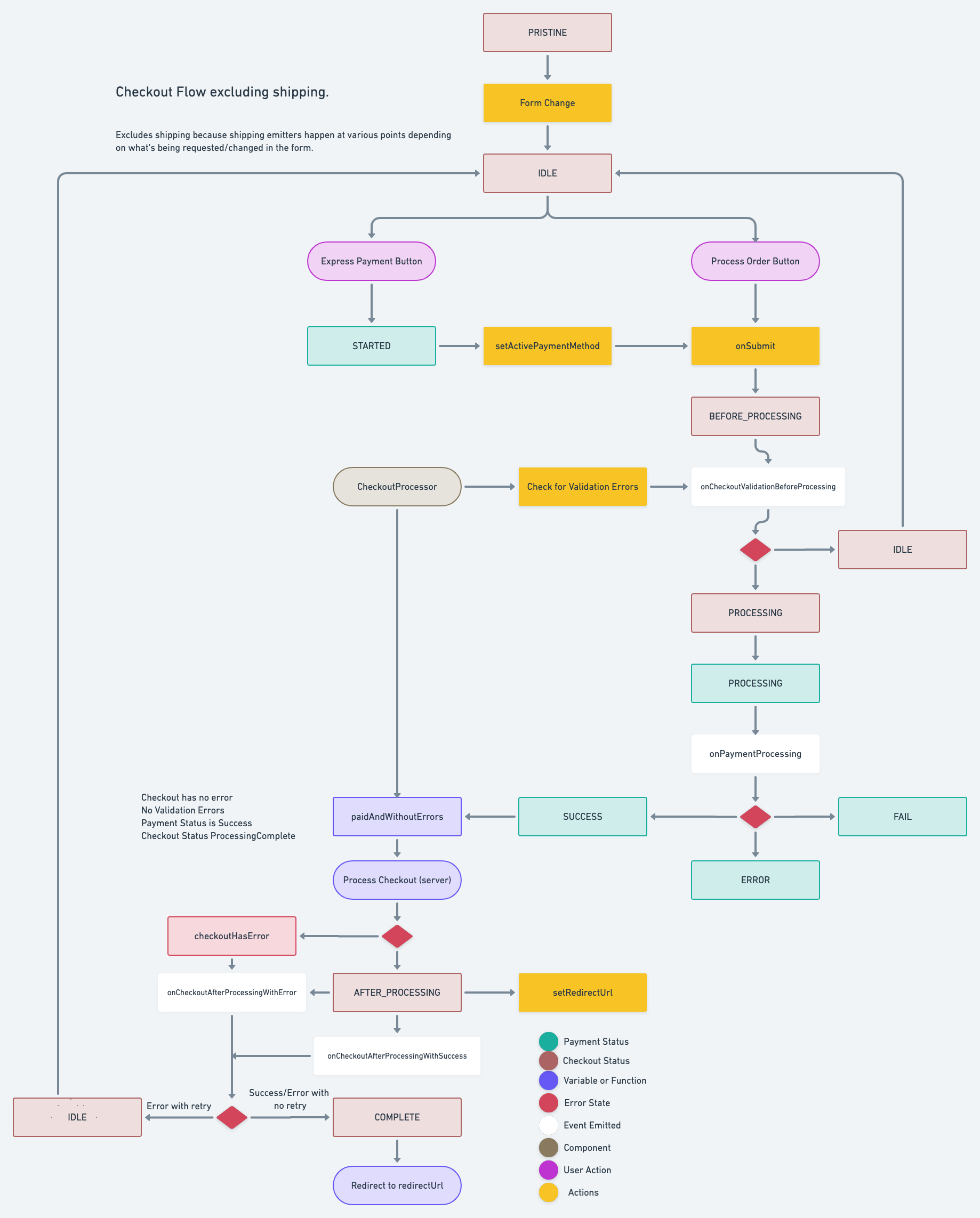
Even the most reliable stable checkout plugins 2026 can fail if the underlying WordPress environment is unstable. The goal is to ensure the checkout flow remains uninterrupted from cart to confirmation. Most abandonment spikes trace back to three technical failures: broken webhooks, UI mismatches, and plugin bloat.
Webhooks are the silent messengers that confirm payments to your database. If they fail, orders disappear from your admin panel even though the customer paid. Check your WordPress debug log (wp-content/debug.log) for cURL errors or timeouts. Ensure your server allows outbound HTTPS requests to the payment gateway. A failed webhook breaks the trust loop, causing duplicate orders or lost inventory.

A checkout form that looks broken on mobile or conflicts with your theme’s CSS is a conversion killer. Inspect the checkout page using browser developer tools. Look for overlapping buttons, misaligned input fields, or hidden error messages. Stable checkout plugins 2026 should use lightweight, theme-agnostic styles. If your theme overrides these styles, disable conflicting CSS rules or use a dedicated checkout page template.

Too many plugins slow down the checkout process. Each additional script adds latency, and conflicting JavaScript can break the checkout button. Deactivate all plugins except WooCommerce and your checkout plugin. If the checkout works, reactivate plugins one by one to find the culprit. Common offenders include aggressive caching plugins, security scanners, or old form builders.
The quality of your plugins matters more than the quantity. If a plugin hasn’t been updated in over six months, it’s a red flag for security and compatibility. Outdated code often introduces vulnerabilities or breaks with newer WordPress versions. Regularly audit your plugin list and remove anything you don’t actively use. This keeps your site lightweight and secure.
Verify plugin health and updates
Stable checkout plugins 2026 require active maintenance. A neglected plugin is a security liability. Follow this sequence to keep your store running without interruption.

Outdated plugins are a primary cause of site instability. If a plugin hasn’t been updated in over six months, it’s a red flag. Consider replacing it or deactivating it if it’s no longer needed.
No comments yet. Be the first to share your thoughts!