
Why checkout stability matters in 2026
Cart abandonment isn't just a metric; it's a leak in your revenue bucket. In 2026, the cost of that leak has risen because shoppers expect instant, frictionless transactions. When a checkout plugin glitches, times out, or clashes with your theme, you aren't just losing a sale—you're losing trust. A stable checkout plugin acts as the foundation of your store, ensuring that the path from "add to cart" to "paid" remains unbroken.
The average cart abandonment rate for 2026 sits at 75.6%.
This high baseline means that even minor technical hiccups can push a ready-to-buy customer over the edge. Payment reliability is no longer a backend concern; it is a front-line sales tool. If your checkout plugin fails to handle network tokens or fails to load quickly, you are directly contributing to that 75.6% statistic. Stability means your plugin works quietly in the background, handling complex payment gateways without slowing down the page or confusing the user.
Choosing a stable plugin isn't about adding more features; it's about removing points of failure. A robust checkout experience reduces the cognitive load on your shopper, allowing them to complete their purchase without second-guessing the process. In a year where agentic commerce and network tokens are becoming standard, your plugin must keep pace with these changes to prevent checkout friction from driving customers away.
Top stable checkout plugins compared
Choosing the right checkout extension depends on your platform and specific workflow needs. Below is a side-by-side look at four widely used options, focusing on stability, core features, and compatibility.
| Plugin | Platform | Price | Key Features |
|---|---|---|---|
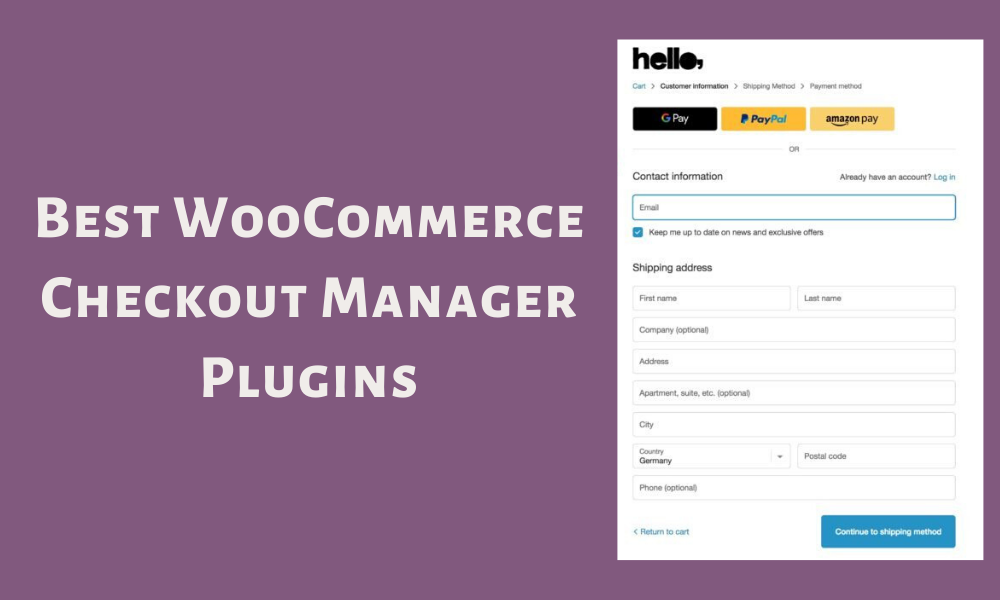
| WooCommerce Checkout Manager | WooCommerce | Free / Pro | Custom field management, layout editing |
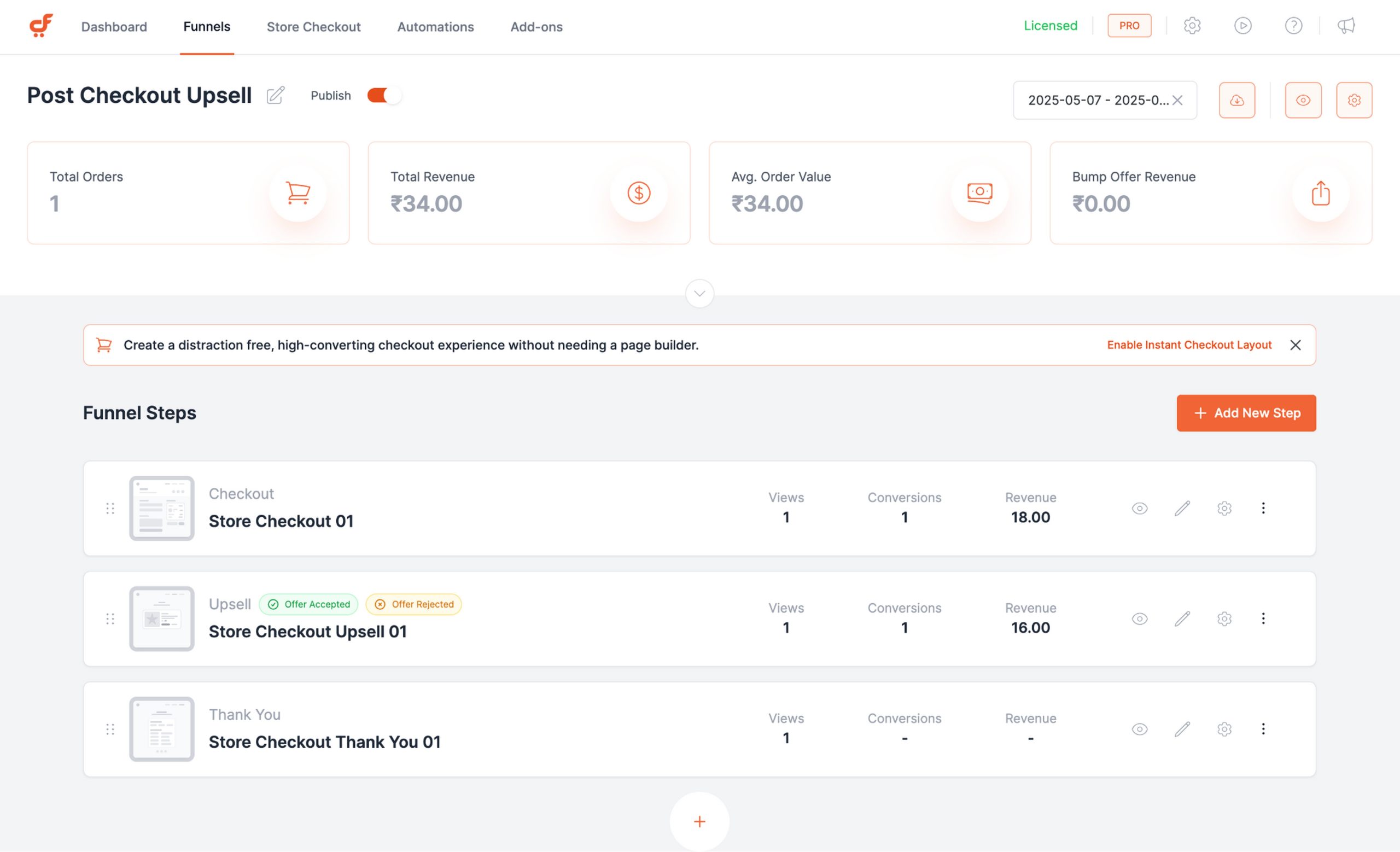
| CartFlows | WooCommerce | Freemium | Funnel building, upsells, one-click upsells |
| Shopify Checkout Extensibility | Shopify | Varies | Native app integrations, block-based UI |
| Easy Digital Downloads | WordPress | Free / Pro | Digital product focus, license keys, download limits |
WooCommerce Checkout Manager offers granular control over form fields and layout, making it a practical choice for stores needing custom data collection. CartFlows extends beyond simple checkout management into full funnel creation, supporting upsells and order bumps effectively. For Shopify users, native extensibility tools provide a stable, app-based ecosystem that aligns with the platform's modern architecture. Easy Digital Downloads remains the standard for digital goods, handling licenses and download limits without unnecessary bloat.
As an Amazon Associate, we may earn from qualifying purchases.
How AI optimizes payment success rates
Artificial intelligence has moved beyond simple fraud detection to become the engine of modern checkout stability. In 2026, the most effective stable checkout plugins use machine learning to predict and prevent payment failures before they happen. This isn't about adding flashy features; it's about keeping the transaction path clear for legitimate customers.
The primary mechanism is dynamic payment routing. When a customer enters their card details, the plugin analyzes the transaction in real-time. If the issuing bank rejects the first attempt, the AI instantly reroutes the payment to a secondary processor or alternative payment method. This happens in milliseconds, often before the customer notices a hiccup. This approach significantly reduces "hard declines" that would otherwise kill the sale.
Fraud detection is equally sophisticated. Traditional rules-based systems often flag innocent transactions as suspicious, forcing customers into tedious verification steps. AI models analyze hundreds of behavioral signals—typing speed, device fingerprint, and purchase history—to distinguish between a fraudster and a loyal shopper. This reduces false positives, meaning more legitimate orders go through without friction.
For WordPress merchants, this means choosing plugins that integrate these capabilities natively. Instead of relying on static rules, look for solutions that learn from your specific transaction data. The goal is a checkout experience that feels invisible to the customer but robust against failure.
Pick the right checkout plugin for your platform
A checkout plugin is only as good as the platform it runs on. Using a WooCommerce tool on Shopify (or vice versa) breaks the integration before you start. Match your plugin to your CMS first, then narrow it down by whether you sell to businesses or consumers.
Shopify: Best for B2C
Shopify’s ecosystem is built for high-volume B2C sales. The best checkout plugins here focus on speeding up the final click and reducing friction for individual shoppers.
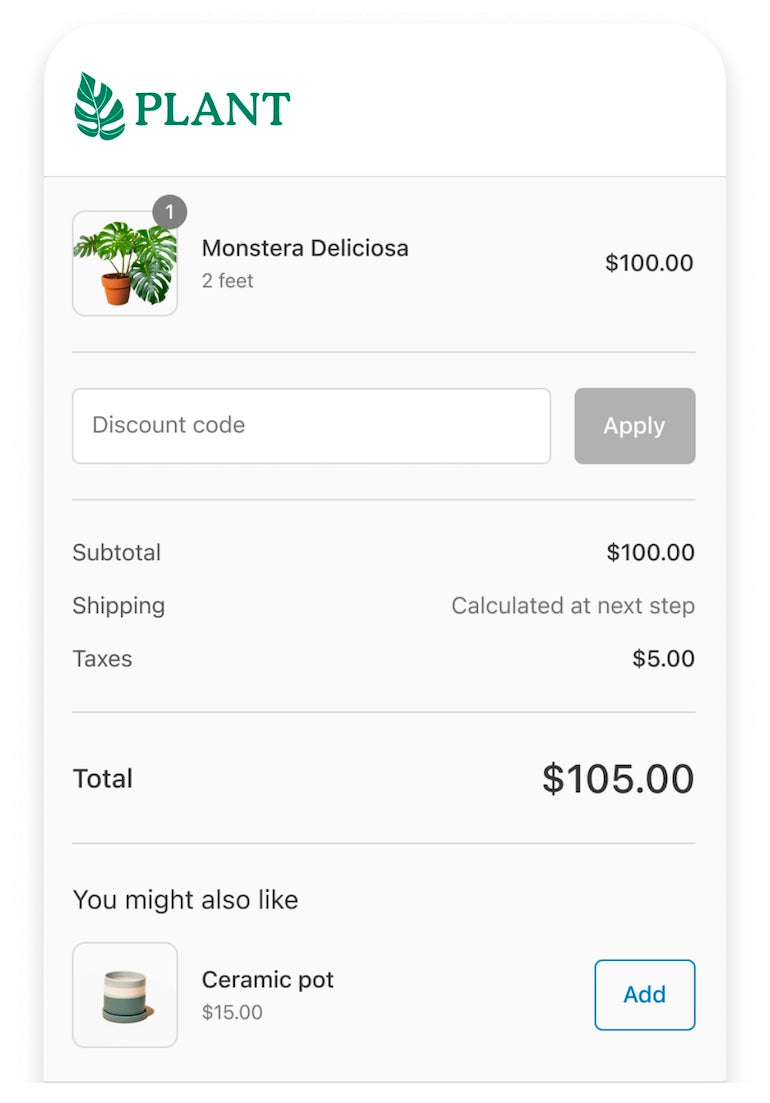
Shopify Checkout Extensibility allows you to modify the checkout UI without breaking future updates. This is the modern standard for stable checkouts on Shopify. Instead of hacking the code, you use approved extensions to add trust badges, upsells, or custom fields. It keeps your checkout compliant and fast.
WooCommerce: Best for B2B
WooCommerce is more flexible but requires more manual configuration. For B2B, the checkout needs to handle tax exemptions, bulk pricing, and complex shipping rules.
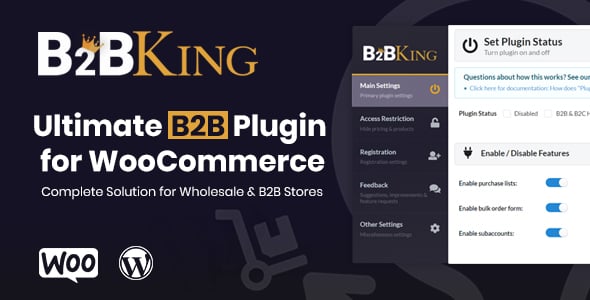
WooCommerce B2B Plugin (by WooCommerce) adds wholesale features directly into the checkout flow. It lets you hide prices from non-logged-in users, set minimum order quantities, and approve customer accounts. This keeps your B2B checkout stable and secure without relying on third-party hacks.
WooCommerce: Best for B2C
For standard B2C stores on WordPress, the goal is conversion optimization. You need plugins that add urgency, trust, and cross-sells at the last moment.
CartBounty recovers abandoned carts by saving guest data. It’s lightweight and doesn’t slow down your site. For B2C, a simple, fast checkout is better than a flashy one. Stick to plugins that add value without adding load time.

As an Amazon Associate, we may earn from qualifying purchases.
How to pick the right stable checkout plugin
Choosing a checkout plugin is less about finding the most features and more about stability. A checkout that crashes or slows down your site costs more than any subscription fee. Use this checklist to evaluate options before installing.



A stable checkout is the foundation of your revenue. Don't let a poorly chosen plugin undermine your hard work. Test thoroughly, keep it simple, and prioritize reliability over flashy features.
Common questions about checkout plugins
Managing a WordPress store often raises practical concerns about stability and maintenance. Here are direct answers to frequent questions about plugin management and performance.
Are 50 plugins too much for a WordPress eshop?
The real answer isn't about the number. It's about quality, security, and performance. While some advice suggests sticking to 20 or fewer, a larger count is fine if each plugin is actively maintained and lightweight. Focus on removing redundant tools rather than counting total installations.
Do plugins need to be updated?
Outdated plugins leave you vulnerable to security threats. While some updates add features, many exist solely to fix critical bugs or close security holes. Regular updates are essential for keeping your checkout process secure and compatible with the latest WordPress core versions.
Can checkout plugins slow down my site?
Yes, poorly coded or bloated plugins can increase page load times. Since checkout is the final step in the user journey, speed directly impacts conversion rates. Choose plugins that are optimized for performance and regularly audit your site to ensure the checkout flow remains fast.
No comments yet. Be the first to share your thoughts!